








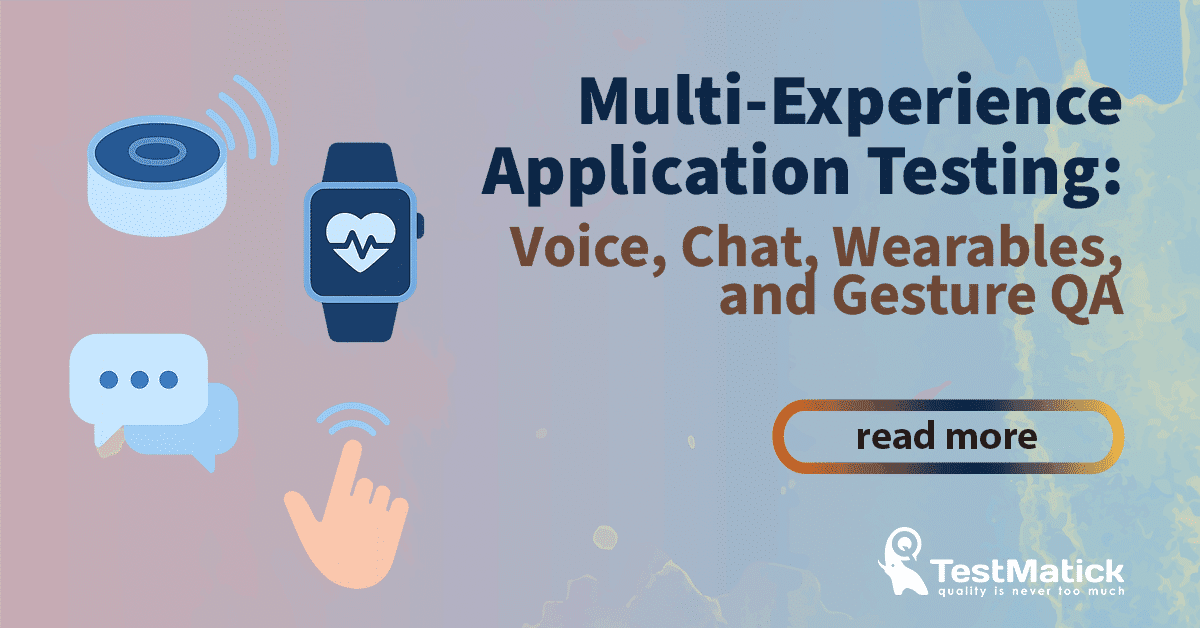
Within the current tech environment, applications are no longer limited to simple web or mobile interfaces. Businesses and consumers increasingly interact with technology across multiple channels and devices – from voice assistants and chatbots to smartwatches and gesture-driven AR/VR systems. This convergence has led to the rise of multi-experience (MX) applications, a concept where the user’s journey flows seamlessly across touchpoints, providing a consistent and integrated experience.
For QA teams, this evolution introduces new challenges. Testing multi-experience applications requires more than verifying functionality. It involves ensuring accessibility, usability, context-awareness, security, and consistency across diverse interaction modes. In this article, we’ll explore the essence of MX apps, the challenges of testing them, and proven strategies QA specialists can use to validate these complex ecosystems.
What Are Multi-Experience Applications?
Multi-experience (MX) applications deliver unified digital experiences across multiple interaction types, including:
- Voice – Smart speakers, virtual assistants (Alexa, Siri, Google Assistant).
- Chat – AI-powered chatbots and conversational interfaces within apps or websites.
- Wearables – Smartwatches, fitness trackers, AR glasses.
- Gesture – Motion sensors, touchless interfaces, VR controllers, AR hand-tracking.
Unlike traditional apps that live in one medium (e.g., a mobile app), MX apps allow users to switch effortlessly between devices and channels while retaining context. For example, a user might ask a voice assistant to set a reminder, view details on their smartwatch, and later update it through a chatbot.
QA Challenges in Multi-Experience Applications
Testing multi-experience solutions introduces complexities far beyond traditional QA. Let’s look at the main challenges:
🗣️ Voice-Based QA
Voice applications, from smart assistants like Alexa and Siri to voice-enabled customer service bots, are all about Natural Language Understanding (NLU) and Speech-to-Text (STT) accuracy. The primary QA challenge here is the infinite variability of human speech.
Key Testing Considerations:
- Speech Recognition & Accent Variance: Does the application accurately understand a user with a thick accent, a different dialect, or a fast-paced speaking style? Testers must use a diverse set of voices and accents to ensure robust performance.
- Background Noise & Environment: A voice app should function in a noisy cafe as well as a quiet room. Testing should simulate real-world conditions, including background chatter, music, and static.
- Intent and Utterance Mapping: QA needs to verify that the app correctly identifies the user’s intent (e.g., “I want to order a coffee”) from a wide range of utterances (e.g., “can you get me a coffee,” “I’d like a hot coffee,” “I’m craving some java”).
- Error Handling and Conversational Flow: How does the app handle a user’s confusion or a request it doesn’t understand? Testers should check for graceful error messages and the ability to guide the user back to the main conversation flow.
Manual testing for voice apps is labor-intensive and error-prone. Automation tools, often powered by AI, are essential for simulating thousands of diverse voice commands and validating responses.
💬 Chatbot QA
Chatbots and conversational AI are a fundamental part of the multi-experience ecosystem, used for everything from customer support to e-commerce. Testing a chatbot is about more than just checking for correct spelling; it’s about ensuring a natural, helpful, and human-like conversation.
Key Testing Considerations:
- Conversational Flow and Context: Testers must design test cases that mimic real human conversations, including context-switching, follow-up questions, and correcting mistakes. The chatbot should remember previous messages and use that context to provide relevant answers.
- Response Accuracy & Relevance: Does the chatbot’s response directly answer the user’s query? Testers must validate that the information provided is not only accurate but also delivered in an appropriate tone and format.
- Fallback and Negative Testing: What happens when a user types something the bot doesn’t understand? The bot should have a well-defined fallback mechanism, such as an apology and a redirection to a human agent or a help article. Negative testing, which involves intentionally providing ambiguous or nonsensical inputs, is critical here.
- Integration with Other Systems: Chatbots often interact with third-party APIs or backend systems (e.g., a database for order tracking). QA must ensure these integrations are seamless and that data is passed and received correctly.
Automated tools that simulate conversational flows are vital for regression testing, but human-led exploratory testing remains crucial for identifying nuanced conversational issues.
⌚ Small Screen: Wearables
Wearable devices like smartwatches and fitness trackers present unique challenges due to their limited screen real estate, unique hardware, and constant connectivity requirements.
Key Testing Considerations:
- Connectivity and Synchronization: Wearables are rarely standalone devices. They must maintain a stable connection to a smartphone or the cloud and synchronize data flawlessly. QA must test for data consistency across all platforms, ensuring that a step counted on the watch shows up correctly in the companion mobile app.
- Battery Performance: Wearable apps need to be highly optimized for power consumption. Testers should conduct rigorous performance testing to ensure the app doesn’t drain the device’s battery excessively, especially during heavy usage or data synchronization.
- Usability and UX: With a small screen, every tap, swipe, and button press counts. Usability testing is paramount to ensure the app’s interface is intuitive and easy to navigate. Test cases should verify features like notifications, alerts, and glanceability.
- Sensor and Hardware Integration: Many wearables are built around sensors for heart rate, GPS, and motion. QA must validate the accuracy of the data collected by these sensors and how the application uses that data. For example, is the heart rate monitor accurate during a high-intensity workout?
Manual testing on a variety of physical devices is essential to truly capture the real-world user experience, while automated tests can handle repetitive tasks like data synchronization checks.
✋ Gesture Control
Gesture-controlled applications, from gaming consoles to in-car infotainment systems, rely on visual cues and motion sensors. The QA challenge here lies in the natural and unpredictable nature of human movement.
Key Testing Considerations:
- Gesture Recognition Accuracy: Can the application reliably differentiate between a “swipe right” and a “wave”? Testers must perform gestures with varying speeds, angles, and distances from the sensor or camera.
- Environment and Lighting: Lighting conditions, from bright sunlight to a dimly lit room, can affect gesture recognition. QA needs to test the application in different environments to ensure consistent performance.
- Latency and Responsiveness: There should be minimal delay between a user’s gesture and the application’s response. Testers must measure this latency to ensure a smooth and responsive user experience.
- Ambiguity and Unintended Gestures: A key challenge is preventing an unintended gesture from triggering a command. For example, a simple hand scratch should not accidentally pause a movie. Test cases should include a wide range of natural human movements to check for false positives.
Automated testing for gestures is complex and often requires specialized hardware or simulators, but it’s crucial for ensuring repeatable and consistent results. The world of multi-experience applications is complex and full of exciting possibilities. By evolving their strategies and embracing the unique challenges of each modality, QA teams can play a pivotal role in ensuring these innovative applications not only function but also deliver truly magical and intuitive user experiences. 🚀





0 Comments